

Family Time Needs More Than One Screen
One phone becomes the whole party
When the phone is used for music, photos, messages, and video, it gets passed around too much.
Small screens make shared viewing awkward
A tablet gives family videos, games, guides, and kid content a screen people can actually gather around.
Phone speakers do not carry a room
Music and background audio feel easier when one speaker handles shared sound for the group.
Family gear should work after guests leave
A watch and phone keep daily use going for parents, calls, reminders, photos, and regular routines.
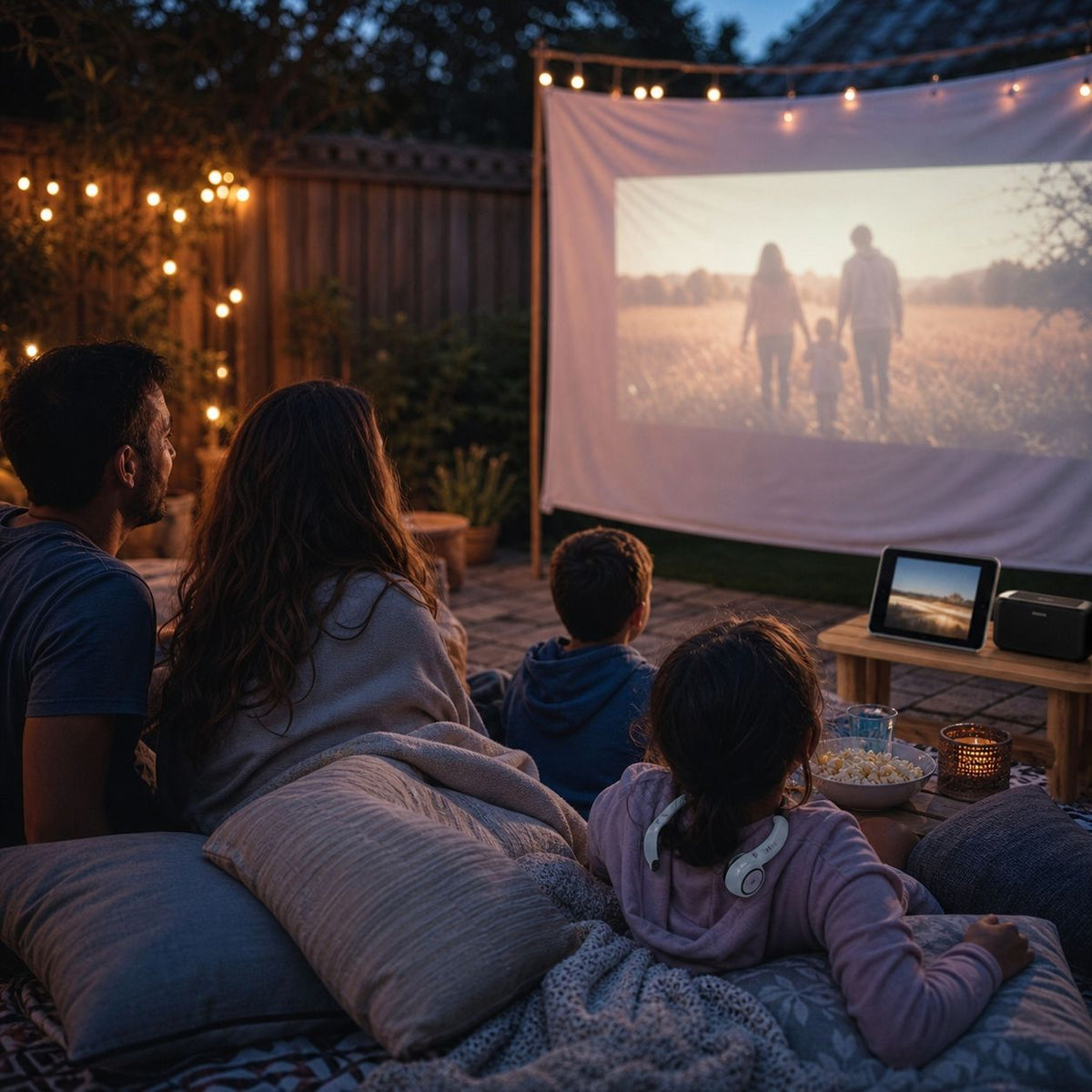
Family Mobile Cinema Setup
Best for:
Living rooms, backyards, camping nights, hotel rooms, and family movie time with kids.
Why it works:
The projector phone creates the shared screen, the tablet gives kids a backup personal screen, the speaker handles room sound, and headphones keep private listening from disturbing others.
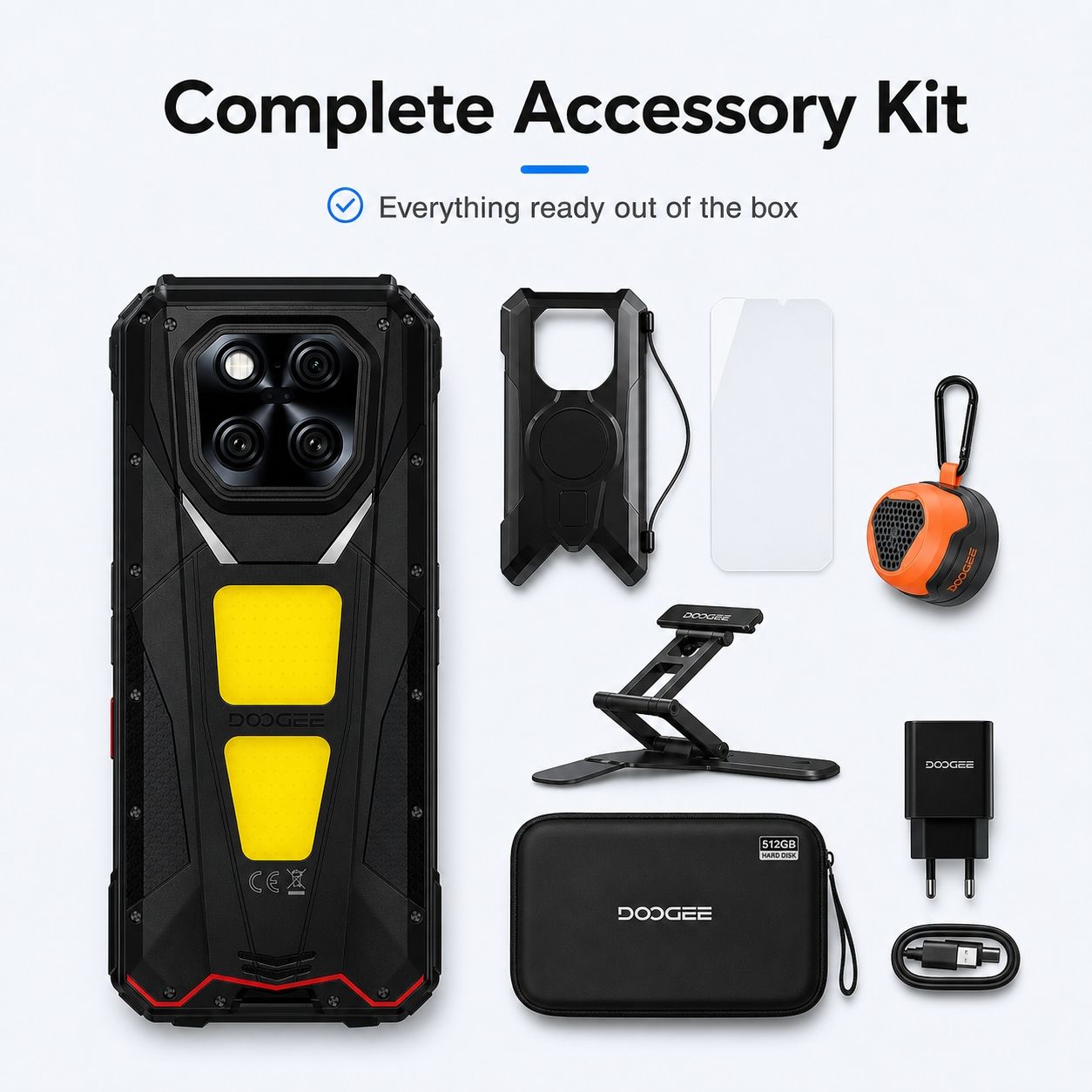


Study and Weekend Entertainment Setup
Best for:
Family study desks, living rooms, parent-child trips, weekend music, and casual gatherings.
Why it works:
The tablet becomes the main study and entertainment screen, the phone handles calls and family photos, and headphones plus a speaker split private and shared sound.


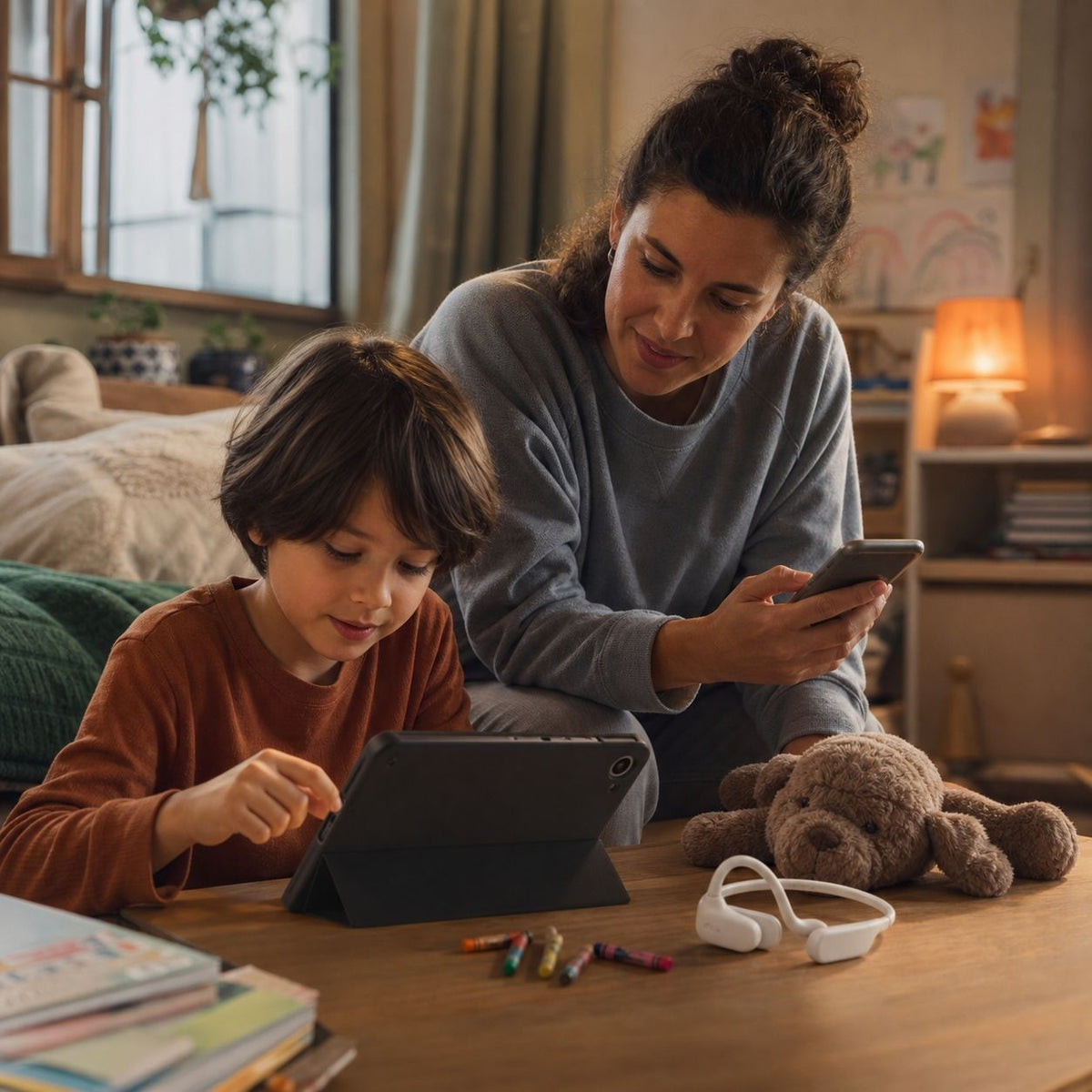
Parent-Kid Learning and Eye-Comfort Entertainment Setup
Best for:
Study desks, kids rooms, parent-child trips, weekend activities, and families building a kid-focused device set.
Why it works:
The kids tablet carries learning and video, the phone stays with the parent for calls and photos, and headphones help kids listen during activity or quiet time without taking over the room.

DOOGEE Tab E3 Max Big-Screen Entertainment Tablet

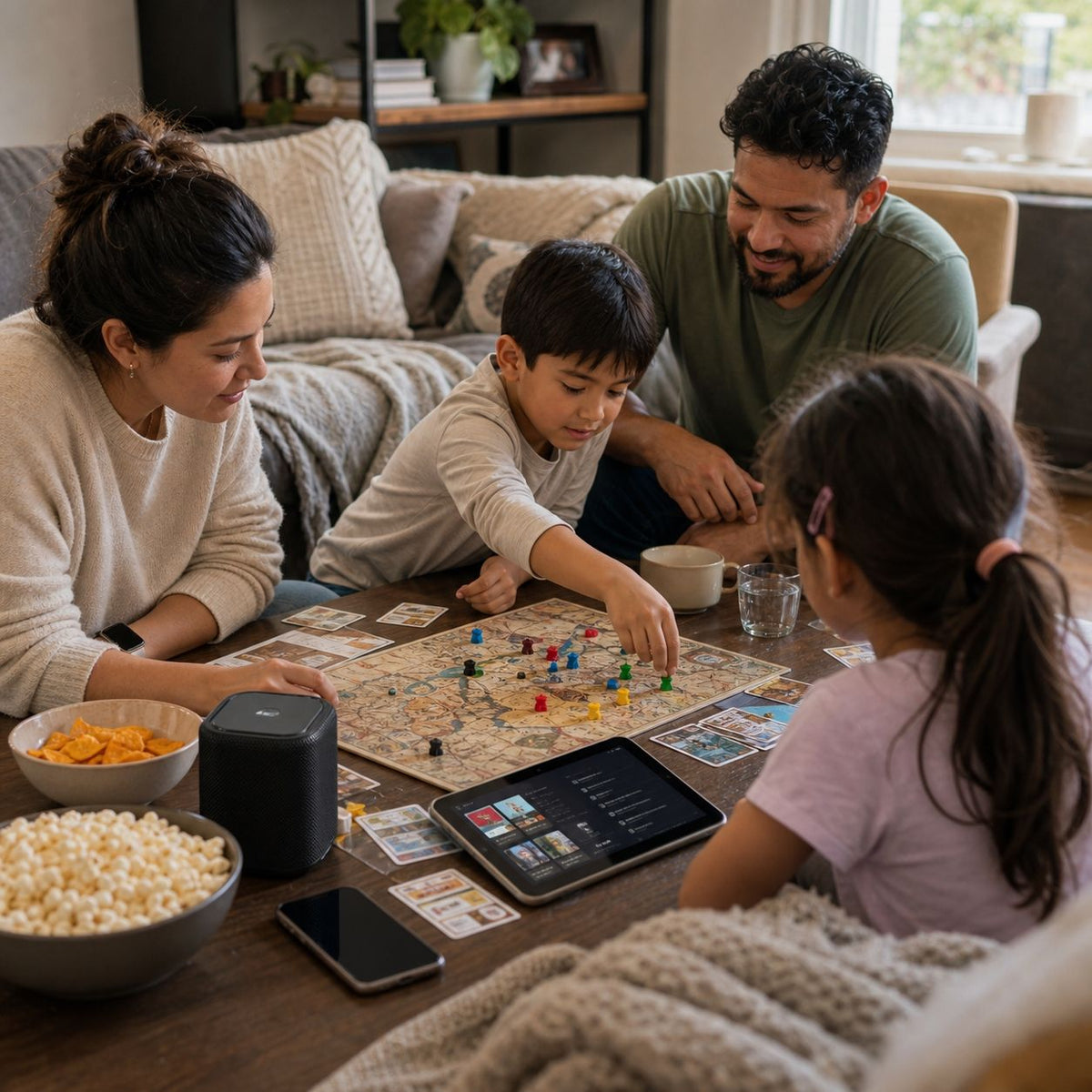
Living Room Gathering and Shared Sound Setup
Best for:
Backpack travel, night markets, mountain walks, unfamiliar city routes, and fewer-device travel.
Why it works:
The phone covers power and night recording, the watch keeps alerts on your wrist, and open-ear audio helps you keep nearby sound in the mix.


Help Me Choose My Family Entertainment Setup
Pick the way your family spends time together, then see how this setup covers the room without making one device do everything.

Backyard Movie Night
Choose this setup if the family needs a shared screen for rooms, backyards, camping nights, or hotel stays, with separate audio options when someone wants quiet.
Recommended setup:Family Mobile Cinema Setup

Study and Weekend
Choose this setup if you want a practical mix for learning, weekend video, family photos, private listening, and shared music.
Recommended setup:
Study and Weekend Entertainment Setup

Kids Learning
Choose this setup if the priority is a kid-focused tablet, parent phone use, and headphones that keep learning or entertainment from taking over the room.
Recommended setup:
Parent-Kid Learning and Eye-Comfort Entertainment Setup

Living Room Gathering
Choose this setup if your home entertainment usually includes friends visiting, music in the room, photos on the phone, and shared content on a larger screen.
Recommended setup:
Living Room Gathering and Shared Sound Setup
What Each Device Adds to Your Workday

Tablet
The tablet gives family video, games, recipes, and shared content a larger screen than a phone.

Speaker
The speaker carries music and shared audio for the room, so the phone is not stuck acting as the sound system.

Rugged Smart Watch
The watch adds everyday value for parents through reminders, workouts, and quick checks beyond entertainment time.

Smartphone
The phone stays ready for photos, messages, calls, and family records while other devices handle screen and sound.
FAQs
Who is this setup best for?
It is best for families who host friends, watch content toge!ther, play music in the living room, and want devices that still help with daily routines.
Why combine a tablet and speaker?
The tablet gives the room a larger screen, while the speaker handles shared sound. That keeps the phone free for photos, calls, and messages.
Do I still need a phone in this setup?
Yes, if you want family photos, quick communication, andeveryday records handled by a device that stays with you.
Is a smartwatch necessary for travel?
No. The watch is included because it extends the setup intodaily use, especially for parents who want reminders and routine tracking.
Is this setup useful for holiday gatherings?
Yes. It covers shared video, room audio, photos, communiccation, and everyday follow-up after the event.